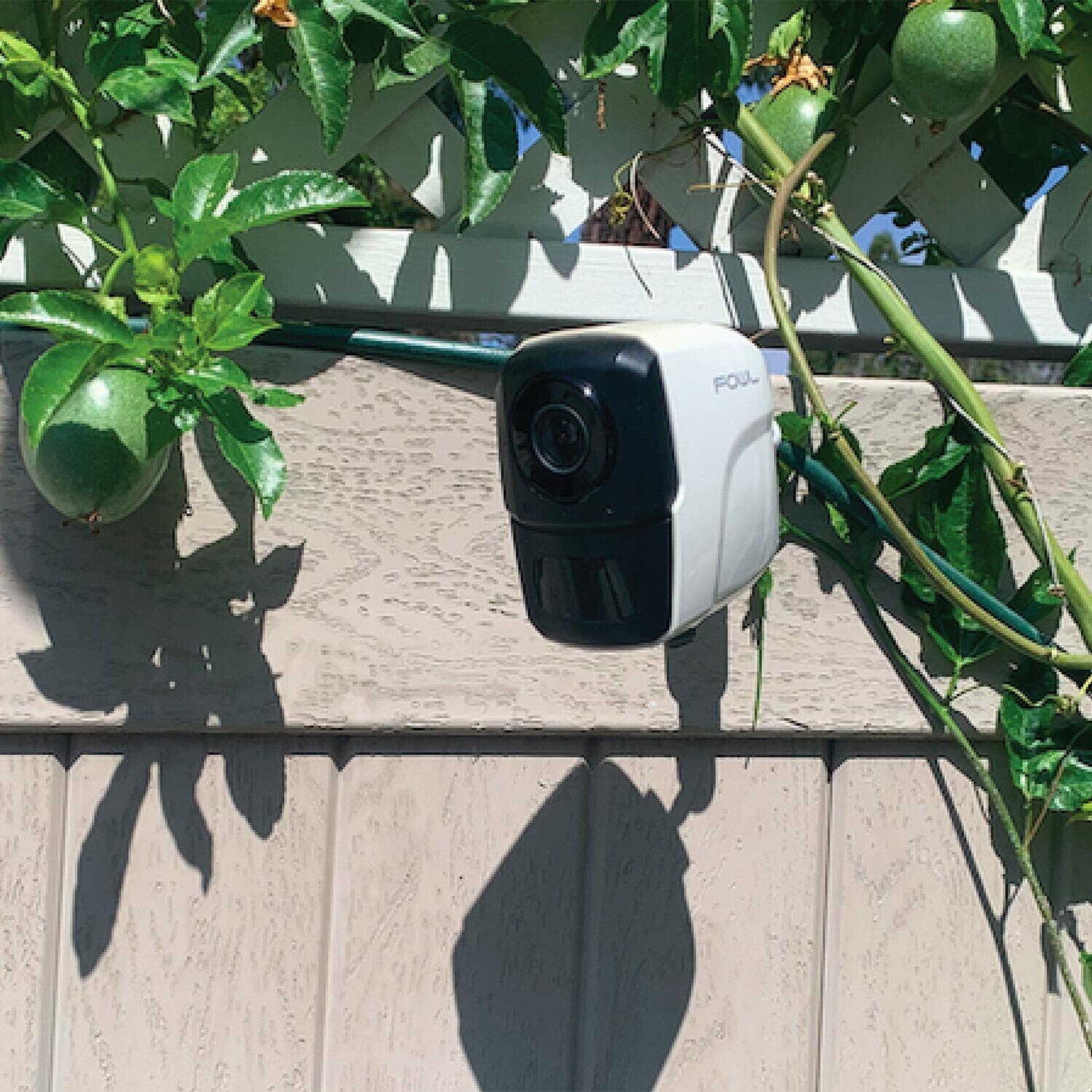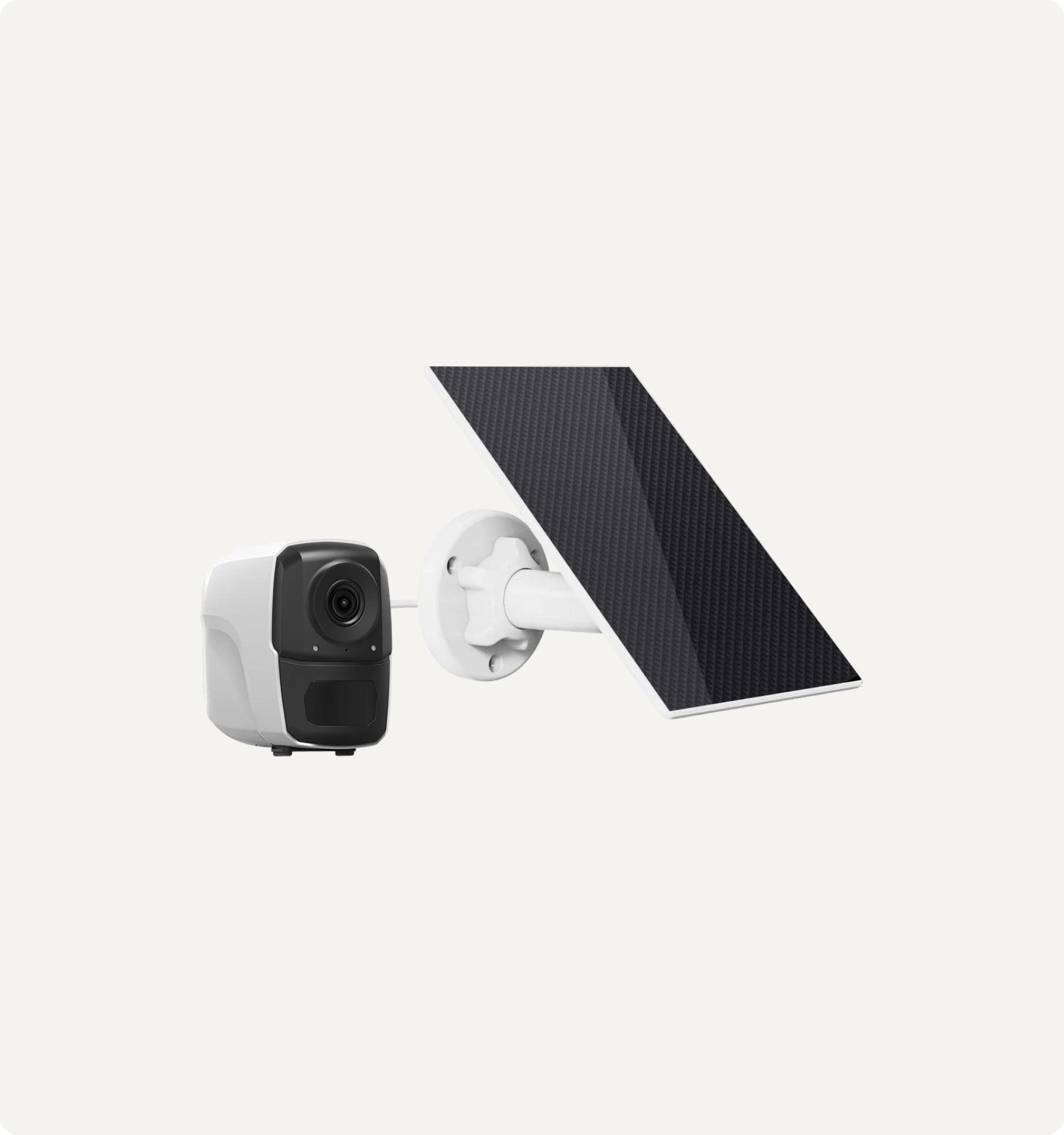


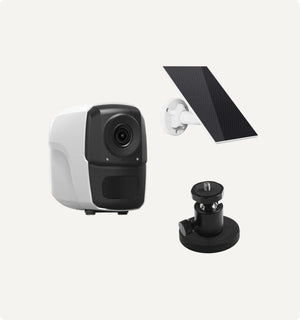
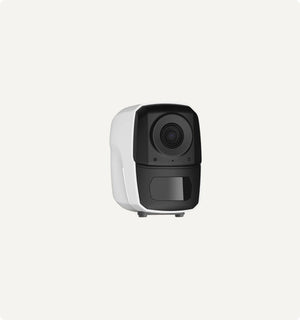
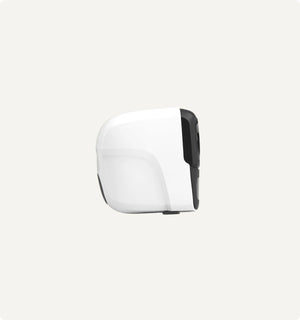
Sero - Portable Wireless Barn & Stable Wi-Fi Camera
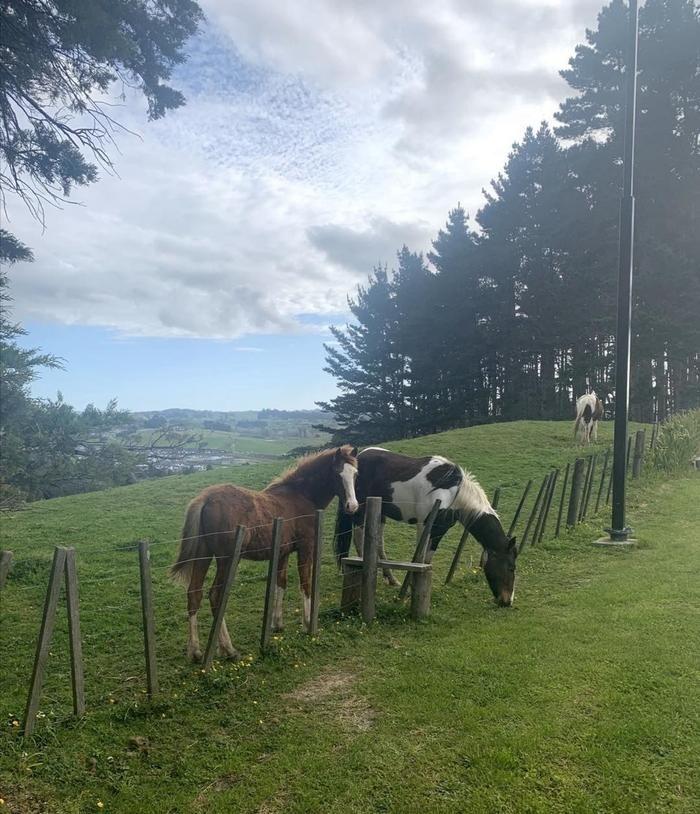
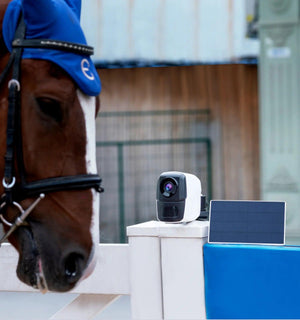
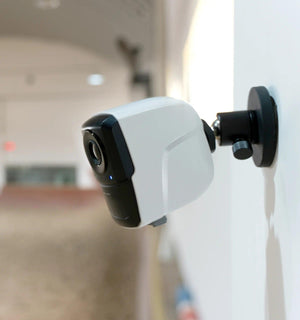
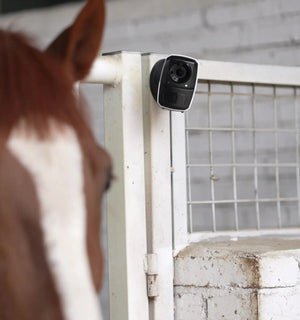
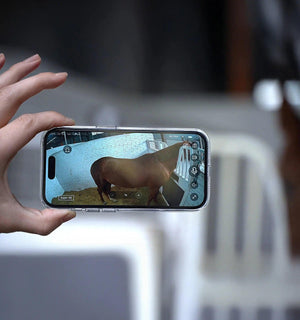
Sero is your all-in-one wireless camera for stables, trailers, and paddocks—monitor horses in transit, watch foaling, or secure sheds and gates.
- 100% Wireless & IP65 Weatherproof –mount Sero on stables, paddocks, or trailers with no wiring.
- Rechargeable & Solar-Powered – A 10,000mAh battery and solar charging keep Sero running 24/7 with minimal maintenance.
- 1080p HD Video & Night Vision – monitor foaling or nighttime activity clearly.
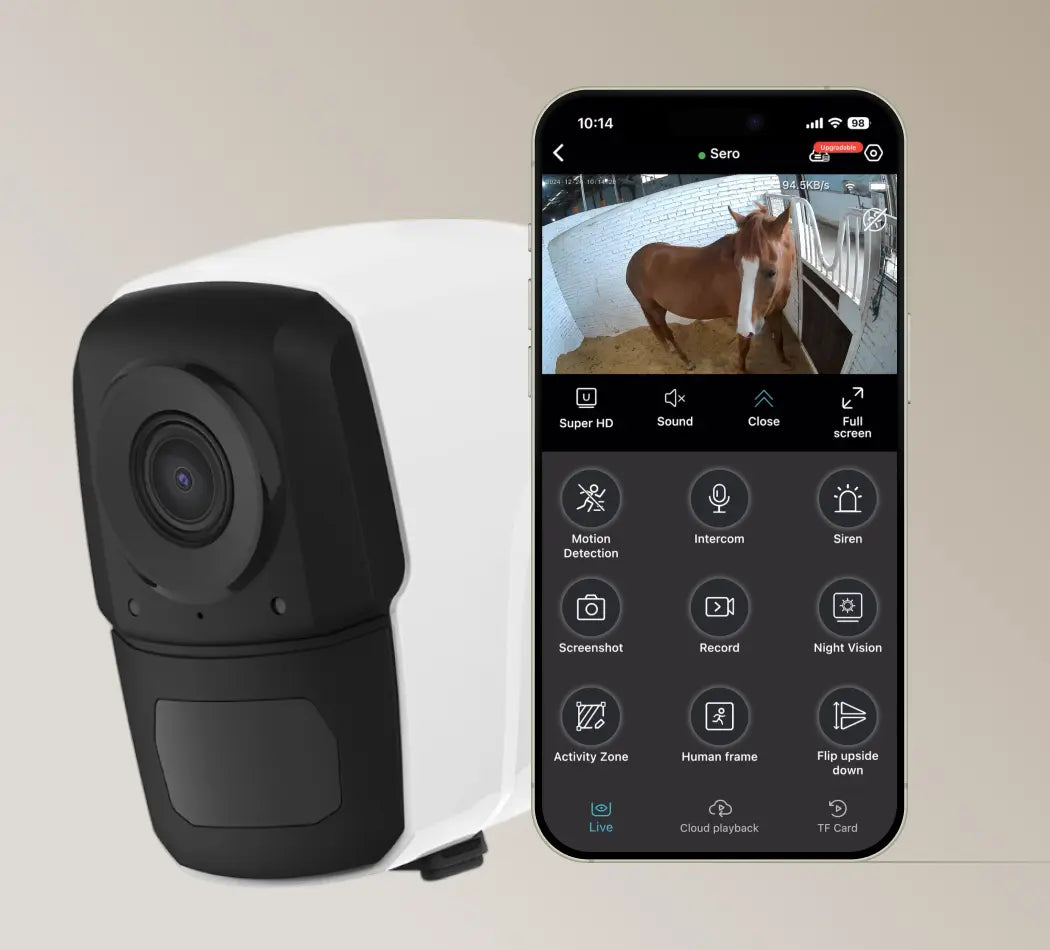
- AI Detects Visitors & Two-Way Audio – get instant alerts and talk to horses or visitors remotely.
- Flexible Storage & No Hidden Fees – Store recordings on an SD card (up to 128GB) or cloud, with no mandatory subscriptions.
-
Package Content:
- 1 x Camera
- 1 x Solar panel
- 1 x Mounting Accessories
- 1 x USB Cable
- 1 x User Manual / User Guide
- Video Resolution: 2560x1440P
- Video Compression: H.264
- Image Sensor: 5MP
- Lens Angle: 120°
- PIR Detection Distance: Up to 6-8m
- IR Night Vision: 940nm No Glow
- Night Vision Distance: Up to 6-8m
- Audio Preset: Built-in Microphone and Speaker
- Continuous Recording: Up to 12-13 hours
- Standby Time: Up to 45 Days
- Batteries: Rechargeable 3500mAH
- Micro SD Card Support: Up to 128GB
- Camera Dimensions(H*L*W): 85mm*48mm*48mm
- Camera Weight: 150g
Package Content:
- 1 x Camera
- 1 x Solar Panel
- 1 x Mounting Accessories
- 1 x USB Cable
- 1 x User Manual / User Guide
Guarantee Safe Checkout
Sero - Portable Wireless Barn & Stable Wi-Fi Camera
Works Anywhere with 4G LTE
Wire-free and tool-free—install anywhere in minutes.
- No Wiring Needed:Mount in stables, paddocks, barns, or trailers without hassle
- Flexible Mounting:Stick, screw, or strap—whatever works for your setup
Indoor or Outdoor, Always Reliable
Made to handle tough farm conditions, day in and day out.
- IP65 Rated:Waterproof and dustproof to withstand rain, snow, and dirt
- All-Weather Performance:Keeps working in fog, heat, or cold
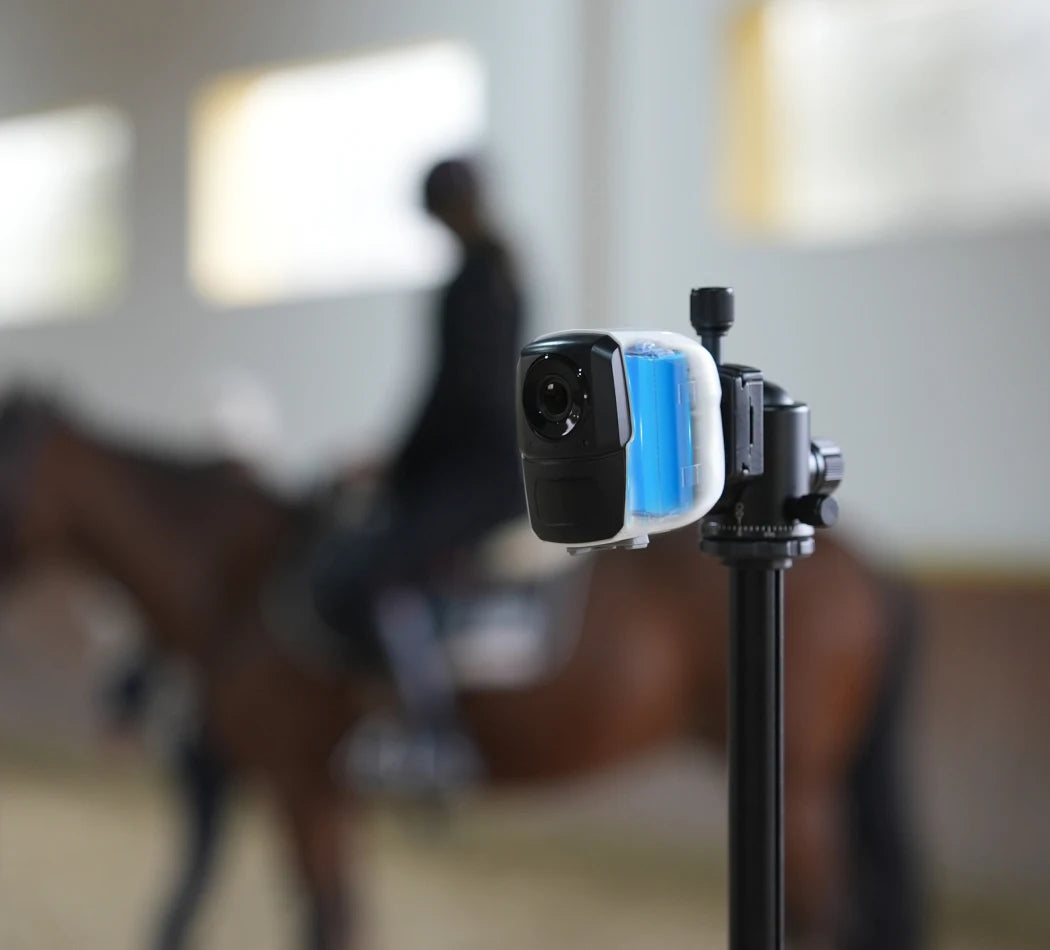
Long-lasting Power
Leave it running with no interruptions.
- 10,000mAh Battery:Up to 8 months of standby power
- Low Maintenance:Fewer recharges, more peace of mind
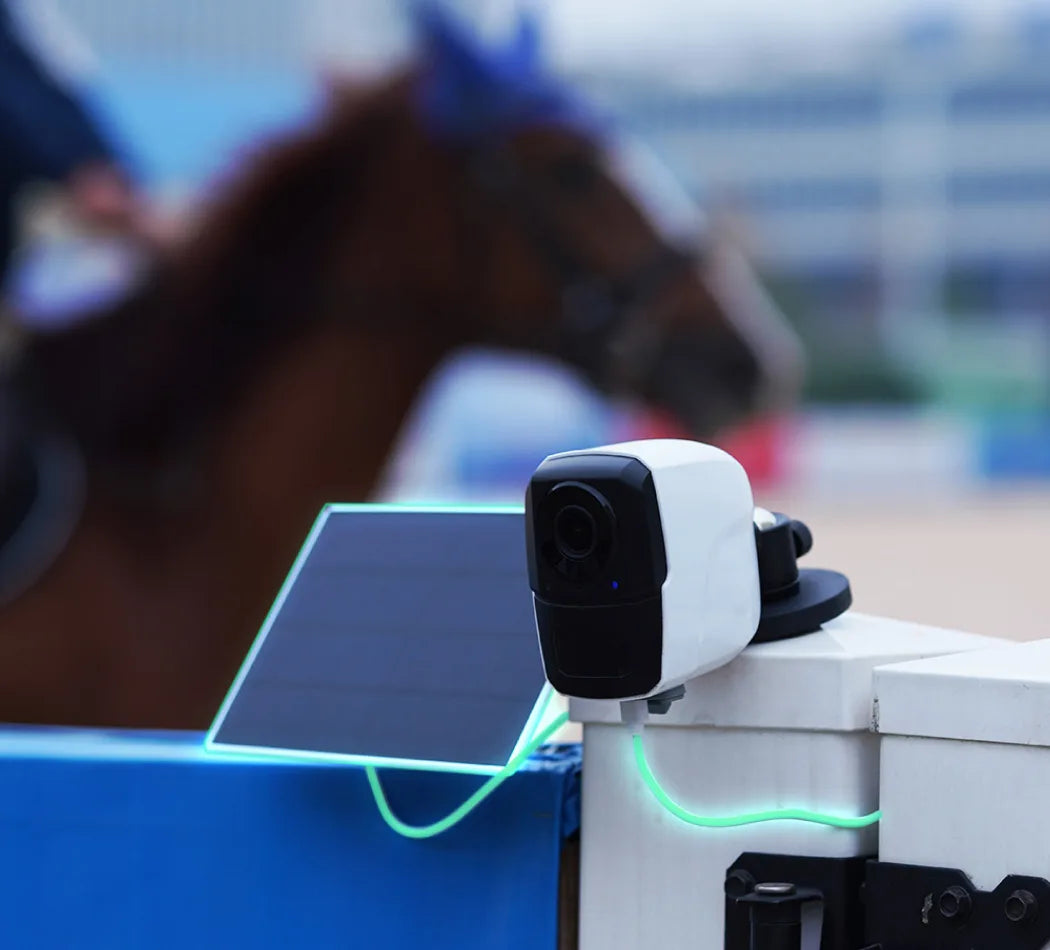
Solar-Powered Efficiency
Sunlight keeps it going—no outlets needed.
- 6W Solar Panel:10 minutes of sun powers daily use
- Adjustable Angle:Position the panel for maximum sunlight
Talk to Your Space
Hear and speak in real time with clear two-way audio—perfect for calming your horse or checking in from anywhere.
Crystal Clear, Day or Night
See more of your horses, no matter the time.
- 130° Wide-Angle HD:Covers more of your stable or paddock
- Night Vision LEDs:6 infrared lights for clear dark viewing
- AI Motion Detection:Get instant alerts when something moves
- 4-Core Chip:Delivers sharp, distortion-free video
Efficient Compression, Superior Quality
Amouu camera uses cutting-edge H.265 compression technology, delivering superior video quality while using only half the bandwidth and storage of the older H.264 standard.

How do I connect my Sero Wi-Fi camera?
Step 1: Pre-Setup
- 1. Turn on the camera.
- 2. Restore the camera to factory settings.
Step 2: Download and Register on the App
- 1. Search for “O-KAM Pro” in the App Store or Google Play, or scan the QR code provided in the manual.
- 2. Open the app and tap “Register now” to create your account by following the on-screen instructions.
Step 3: Add Your Camera to the App
Method 1: Add via QR Code
- 1. Tap “Add”, then scan the QR code on your camera, or select “Wireless Camera”. When prompted for Bluetooth permission, tap “I got it”.
- 2. Make sure the camera is turned on and reset to factory settings.
- 3. Confirm the Wi-Fi network you want to connect to and enter the correct password.
- 4. A QR code will be generated by the app. Hold it in front of the camera lens until you hear a beep or see the blue light flash quickly.
- 5. Wait for the camera to bind with the app.
- 6. Tap “Get started” to begin using the camera.
Method 2: AP (Hotspot) Connection
- 1. In the app, tap the icon in the top right corner and select “Hotspot Configuration”.
- 2. Tap “To connect”.
- 3. Go to your phone’s Wi-Fi settings, select the signal starting with @OK-***, and connect.
- 4. Return to the app to complete the device addition. Tap the play icon to start viewing the live feed.
Wi-Fi Configuration
- 1. In the app, tap “Settings”.
- 2. Select “Device Settings”.
- 3. Tap “Wi-Fi Network”.
- 4. Choose the desired Wi-Fi network and enter the correct password.
Device Sharing
- 1. Tap the icon in the top right corner and select “Share”.
- 2. A QR code will be generated for sharing.
- 3. Other users can open the O-KAM Pro app and scan the QR code to access the device.
Can I use my phone for other things (like GPS or calls) while connected to the Sero Wi-Fi camera?
Does the Sero Wi-Fi camera use my phone's WiFi plan or mobile data?
Why is the battery life for Sero listed as "up to 8 months"?
I'm having trouble connecting to my Sero. What should I do?
Sorry you're experiencing issues! Try these troubleshooting steps:
- Check Camera Power: Make sure your Sero camera is fully charged and turned on.
- Connect to the Camera's WiFi: Ensure your phone is connected directly to the camera's built-in WiFi network (e.g., “Amouu-Sero-XXXX” or “OK-XXXXXX”). If you're testing the camera at home, you may need to temporarily forget your home WiFi to prevent automatic switching.
- App Permissions: Verify that the ‘O-KAM Pro’ app has permission to access the “Local Network.” Some phones may also request location access during setup.
- Update Software: Make sure both your phone and the O-KAM Pro app are updated to the latest versions.
- Restart Devices: Restart both your phone and the Sero camera to resolve temporary connection glitches.
- Reduce Interference: For better signal, avoid placing the camera near thick metal walls or obstacles that may block WiFi transmission.
Still not working? Please reach out to us at care@amouu.com and we’ll help you get connected.
My Sero camera might be faulty. How do I claim warranty support?
All Sero cameras come with a 12-month limited warranty from the date of purchase. If your camera has a manufacturing defect, please email care@amouu.com with your order number and a description of the issue.
Our support team will help you troubleshoot and, if needed, guide you through the warranty replacement process.
I'm having issues or not fully satisfied with my Sero. What should I do?
We’re here to help. If you're experiencing setup issues, performance concerns, or are unsure if your camera is functioning properly, please contact us first at care@amouu.com.
Many problems can be resolved quickly with setup guidance. If you’re still not satisfied after troubleshooting, we’ll walk you through your return or exchange options. Please reach out before sending anything back so we can assist you properly.
Have a question
lf you have an issue or question that requires immediate assistance, please Contact us
Contact Us