

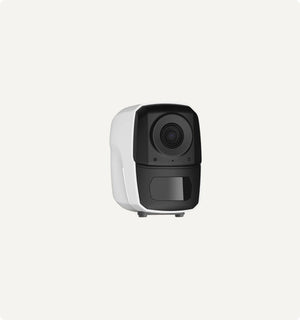
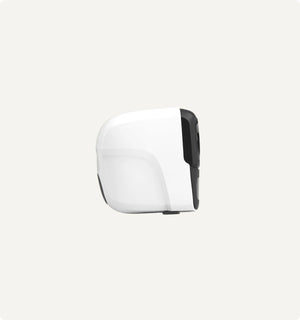
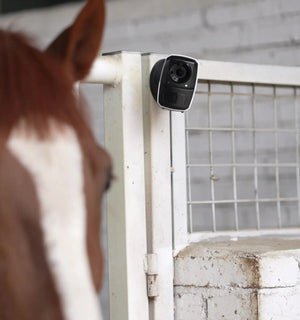
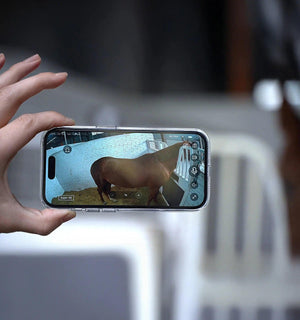
Sero - Portable Wireless Barn & Stable Camera
Description
- 100% Wireless, No WiFi Needed –Runs on 4G LTE—ideal for monitoring foaling, injured horses, livestock security, and trailer safety.
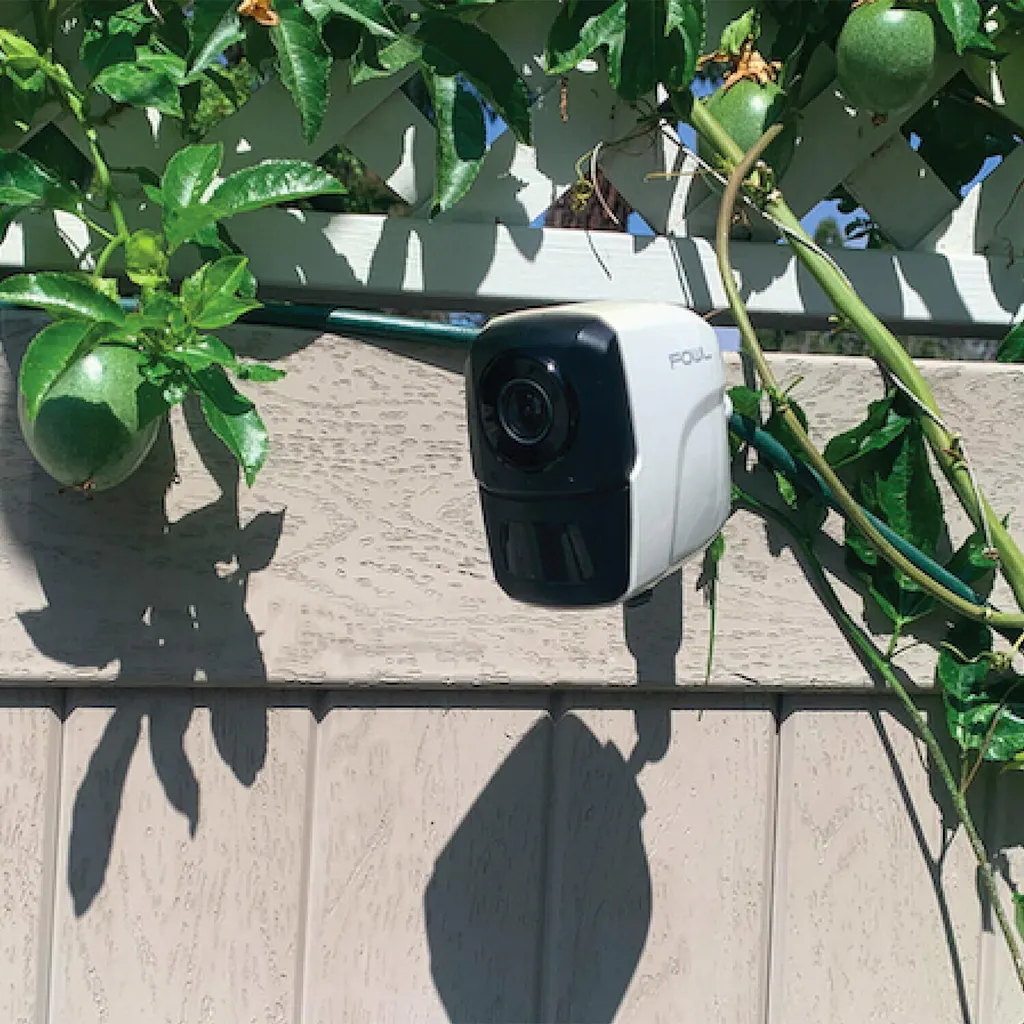
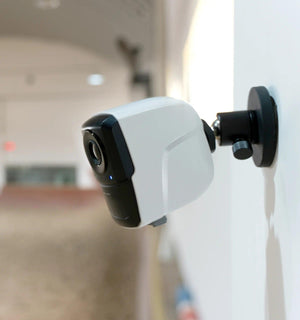
- Weatherproof & Easy to Install – IP65-rated and wire-free with a magnetic base for fast setup anywhere.
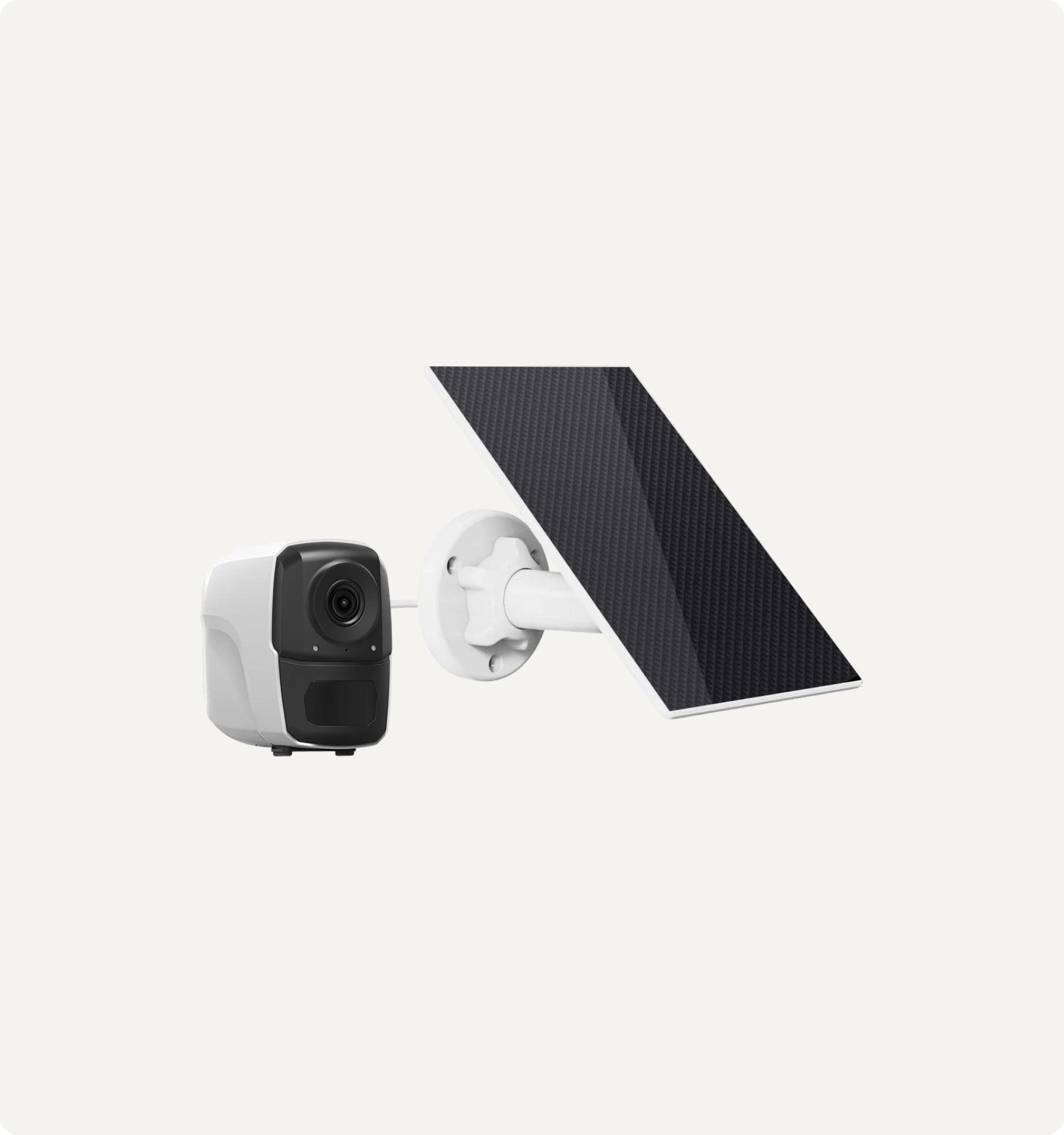
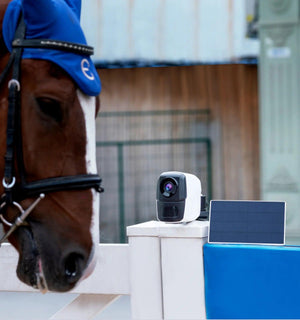
- Rechargeable & Solar-Powered – 10,000mAh battery plus solar panel keeps it running with minimal upkeep.
- HD Video & Night Vision – Capture clear 1080p footage day or night with LED and infrared vision.
- AI Motion Detection & Two-Way Audio – Get instant alerts and talk to animals or staff from your phone.
- Versatile Use Anywhere – Ideal for barns, stables, paddocks, pastures or on-the-go in trailers.
- Flexible Storage & No Hidden Fees – Store recordings on an SD card (up to 128GB) or cloud, with no mandatory subscriptions.
-
Package Content:
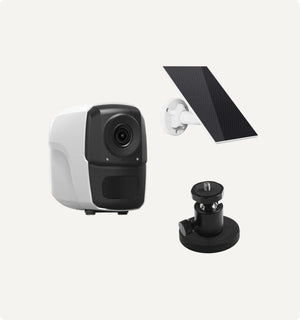
- 1 x Camera
- 1 x Solar Panel
- 1 x Mounting Accessories
- 1 x USB Cable
- 1 x User Manual / User Guide
Specifications
Guaranteed Safe Checkout
Sero - Portable Wireless Barn & Stable Camera


One Camera. Every Angle Covered.
Finally, a single wireless camera for your entire equestrian world. Place it in the stable for foaling, mount it in the trailer for travel, and position it on gates or sheds for complete security. It's the only camera you'll need.
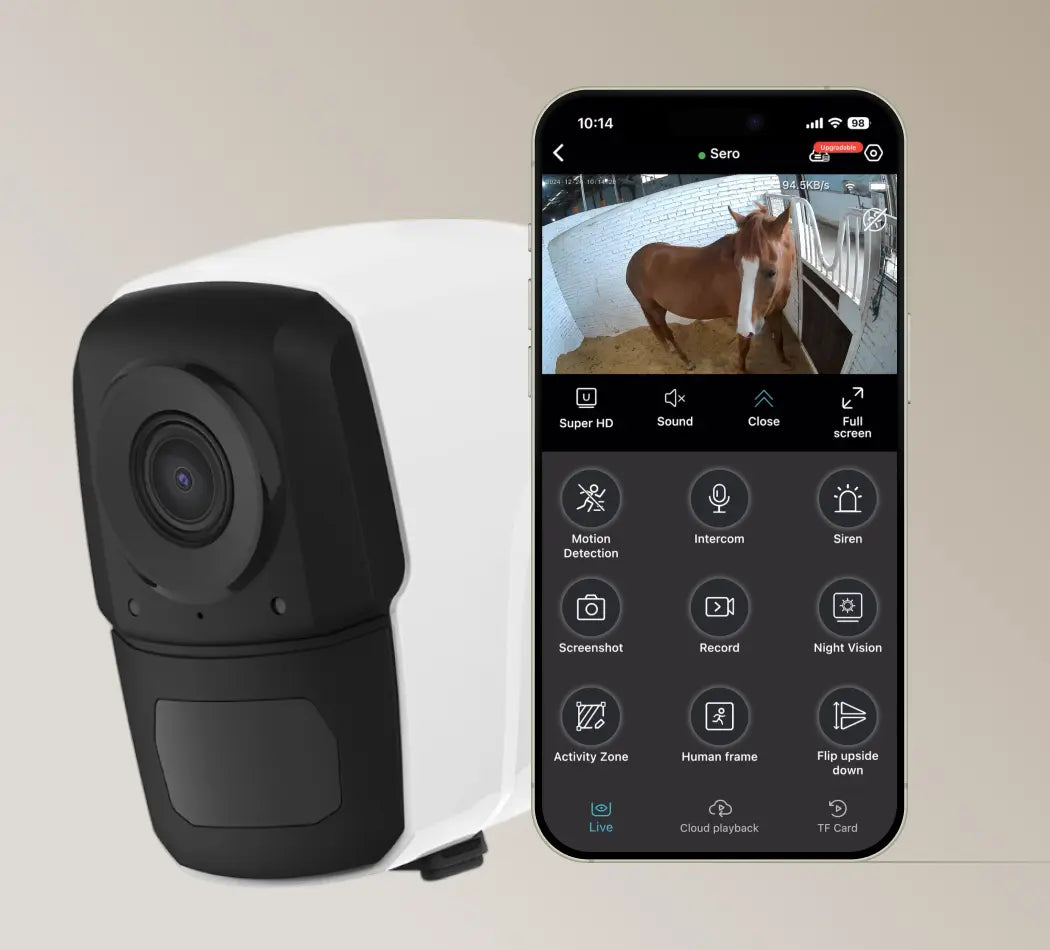
Works Anywhere with 4G LTE
Indoor or Outdoor, Always Reliable
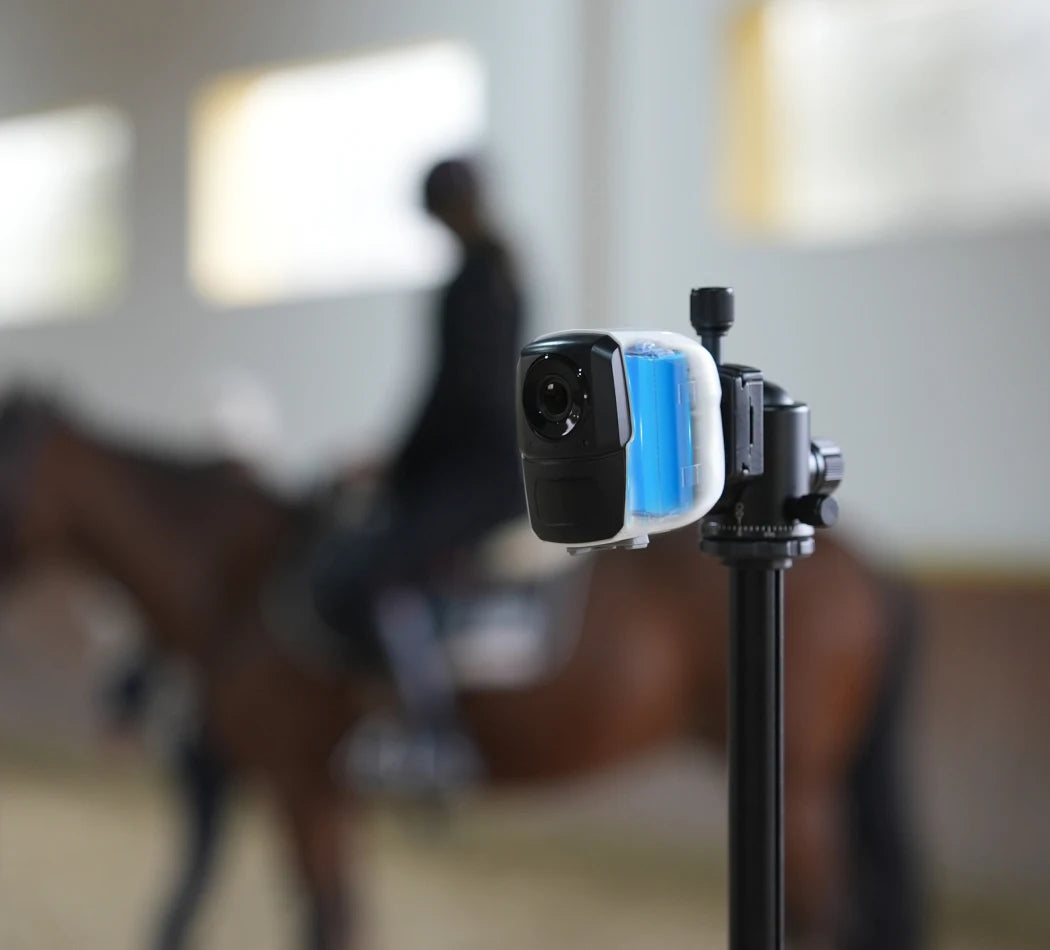
Long-lasting Power
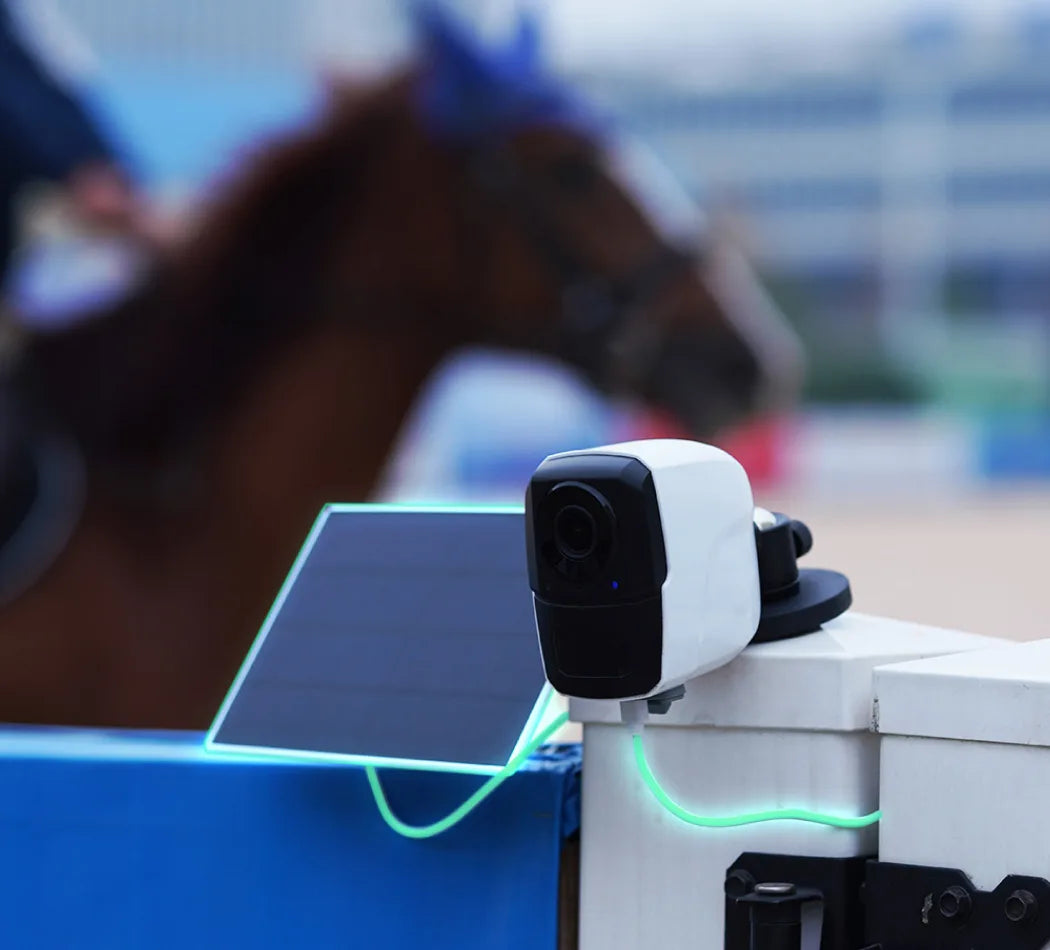
Solar-Powered Efficiency
Talk to Your Space
Crystal Clear, Day or Night
Efficient Compression, Superior Quality
Amouu camera uses cutting-edge H.265 compression technology, delivering superior video quality while using only half the bandwidth and storage of the older H.264 standard.

How do I connect my Sero 4G camera?
Step 1: Pre-Setup
- 1.Please insert a SIM card that can access the internet.
- 2. Turn on the camera.
- 3. Restore the camera to factory settings.
Step 2: Download and Register on the App
- 1. Search for “O-KAM Pro” in the App Store or Google Play, or scan the QR code provided in the manual.
- 2. Open the app and tap “Register now” to create your account by following the on-screen instructions.
Step 3: Add Your Camera to the App
Method 1: Add via QR Code
- 1. Tap “Add”, then scan the QR code on your camera, or select “Wireless Camera”. When prompted for Bluetooth permission, tap “I got it”.
- 2. Make sure the camera is turned on and reset to factory settings.
- 3.Scan the QR code on the camera and confirm thatthe blue light is always bright. then click "Next".
- 4. Wait for the camera to bind with the app.
- 5. Tap “Get started” to begin using the camera.
Device Sharing
- 1. Tap the icon in the top right corner and select “Share”.
- 2. A QR code will be generated for sharing.
- 3. Other users can open the O-KAM Pro app and scan the QR code to access the device.
How much mobile data does the camera use?
Data usage depends on how often you watch live video, whether you're using HD or SD quality, and if features like motion alerts or cloud recording are enabled.
- HD video: 1–2 MB per minute
- SD video: 0.5–1 MB per minute
To reduce data usage, lower the resolution or adjust motion alert sensitivity in the app.
Estimated usage based on real-life scenarios:
- Light monitoring (checking once or twice a day): ~1.5 GB/month
- Routine checks (3–6 times/day, e.g. monitoring a recovering horse or gate): ~4.5 GB/month
- Heavy use (continuous foaling watch): ~1 GB/day, up to 30 GB/month
Will Sero 4G work in my area?
Yes—as long as your location has 4G LTE coverage, Sero 4G can connect via a local data SIM card. It's compatible with major carriers in the U.S., Canada, UK, Europe, Australia, and New Zealand.
For other regions, confirm that your provider supports these network bands:
- Asia:
WCDMA: B1 / B5 / B8
FDD-LTE: B1 / B3 / B5 / B8
TDD-LTE: B34 / B38 / B39 / B40 / B41 - Europe:
WCDMA: B1 / B5 / B8
FDD-LTE: B1 / B3 / B7 / B8 / B20 / B28A - Americas:
WCDMA: B2 / B4 / B5
FDD-LTE: B2 / B4 / B5 / B7 / B12 / B13 / B17 / B66
TDD-LTE: B38 / B40 / B41
Before purchasing a data SIM, please confirm compatibility with your local network provider.
How do I reset the camera to factory settings?
The battery isn't lasting as long as expected
How do I record and store video?
I forgot my app password—what should I do?
How do I connect to the 4G network?
The image looks blurry—how can I improve it?
Have a Question
lf you have an issue or question that requires immediate assistance, please Contact us.
Contact Us