
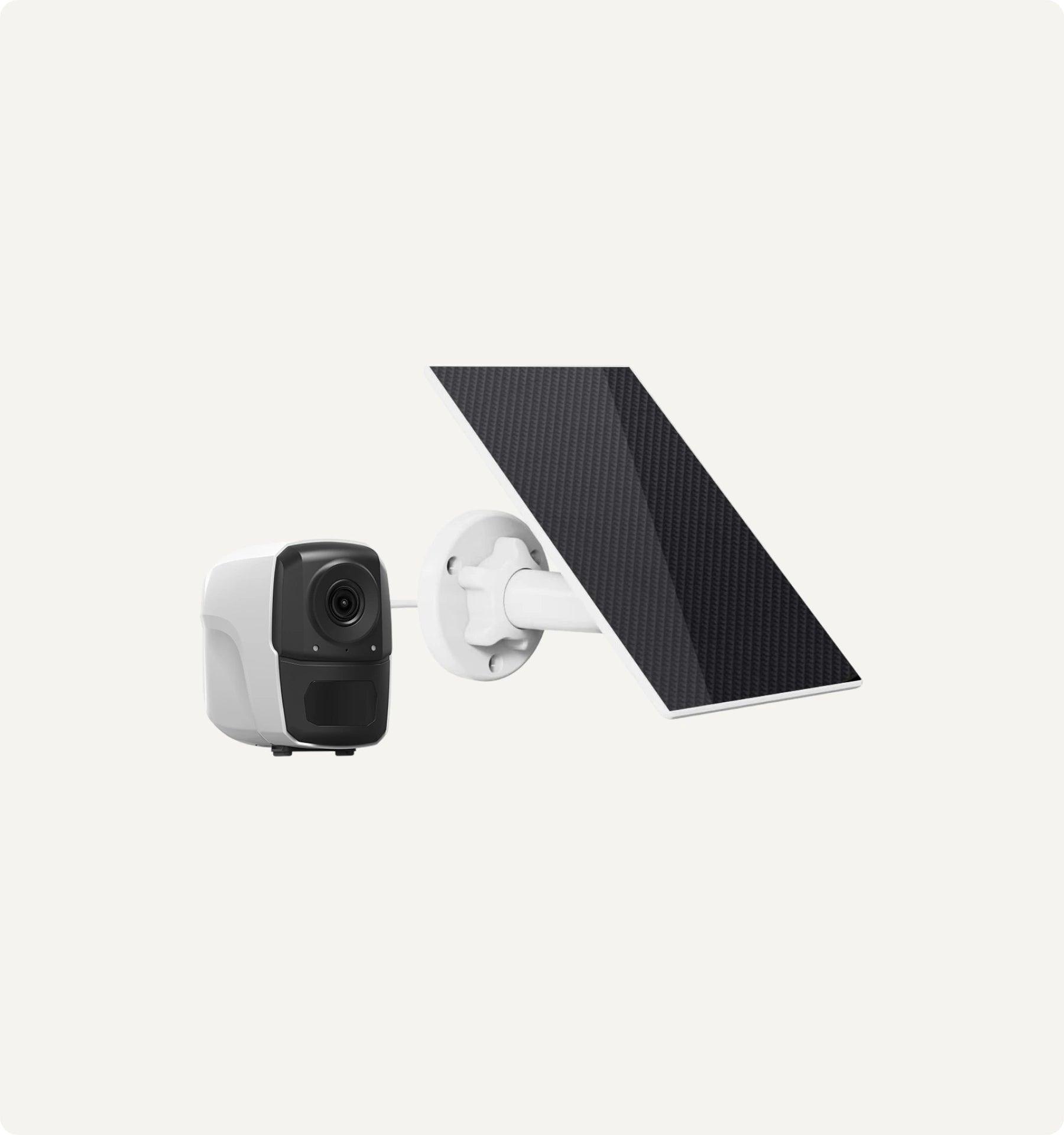


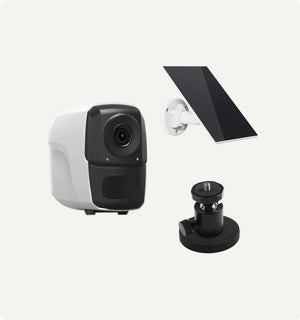
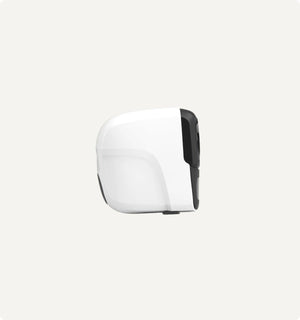
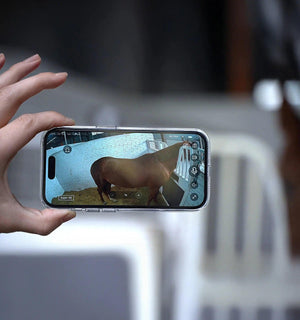
Sero - Caméra sans fil portable pour grange et écurie
Description
- 100 % sans fil, pas de Wi-Fi nécessaire – Fonctionne en 4G LTE, idéal pour la surveillance des poulinages, des chevaux blessés, la sécurité du bétail et la sécurité des remorques.
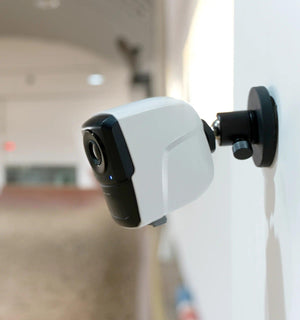
- Résistant aux intempéries et facile à installer – Certifié IP65 et sans fil avec une base magnétique pour une installation rapide partout.
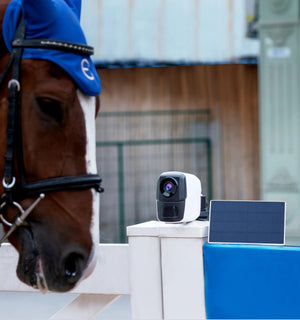
- Rechargeable et alimenté à l'énergie solaire – Batterie de 10 000 mAh et panneau solaire pour un fonctionnement continu avec un entretien minimal.
- Vidéo HD et vision nocturne – Capturez des séquences claires en 1080p de jour comme de nuit grâce à la vision LED et infrarouge.
- Détection de mouvement IA et audio bidirectionnel – Recevez des alertes instantanées et parlez aux animaux ou au personnel depuis votre téléphone.
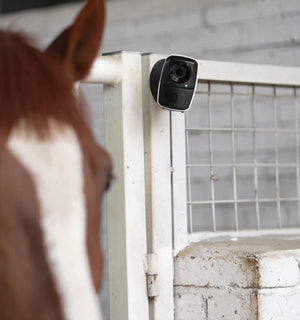
- Utilisation polyvalente partout – Idéal pour les granges, les écuries, les paddocks, les pâturages ou en déplacement dans les remorques.
- Stockage flexible et sans frais cachés – Enregistrez sur une carte SD (jusqu'à 128 Go) ou dans le cloud, sans abonnement obligatoire.
-
Contenu de l'emballage :
- 1 x Caméra
- 1 x Panneau solaire
- 1 x Accessoires de montage
- 1 x Câble USB
- 1 x Manuel d'utilisation / Guide de l'utilisateur
Specifications
Guaranteed Safe Checkout
Sero - Caméra sans fil portable pour grange et écurie


One Camera. Every Angle Covered.
Finally, a single wireless camera for your entire equestrian world. Place it in the stable for foaling, mount it in the trailer for travel, and position it on gates or sheds for complete security. It's the only camera you'll need.
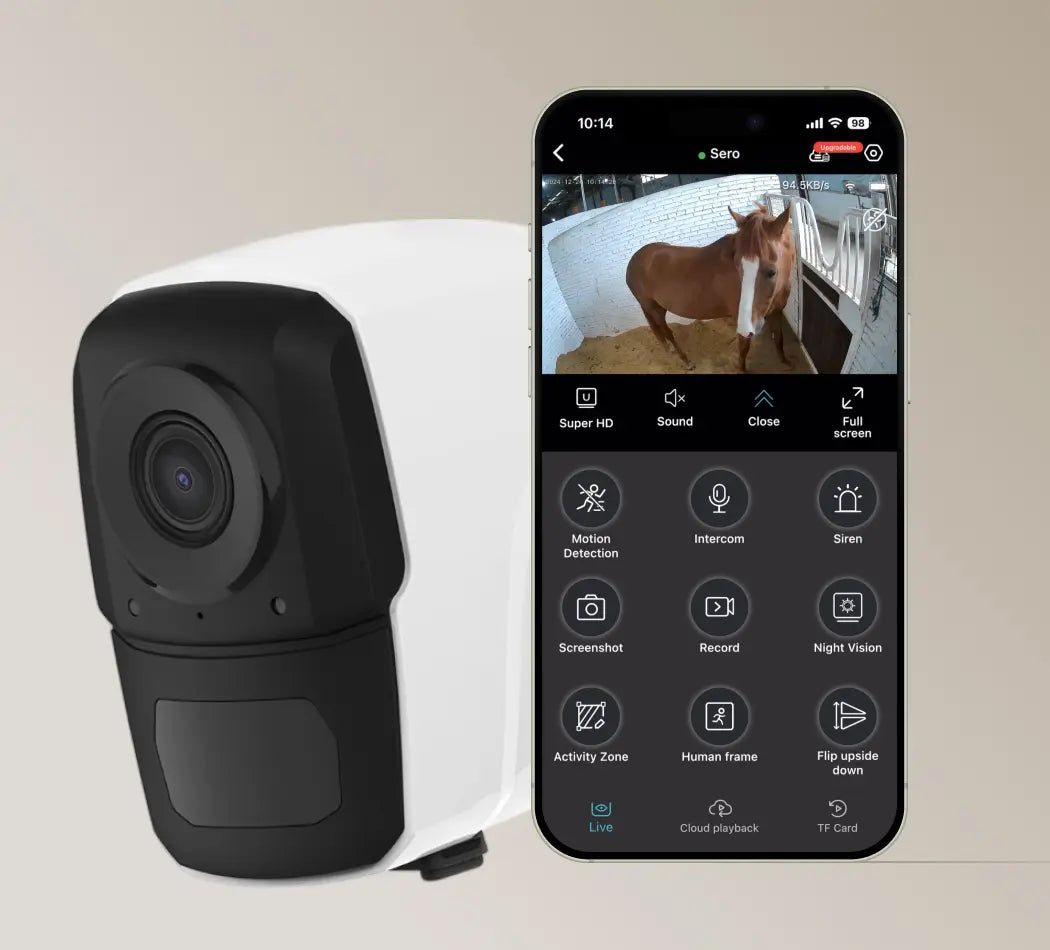
Fonctionne partout avec la 4G LTE
Intérieur ou extérieur, toujours fiable
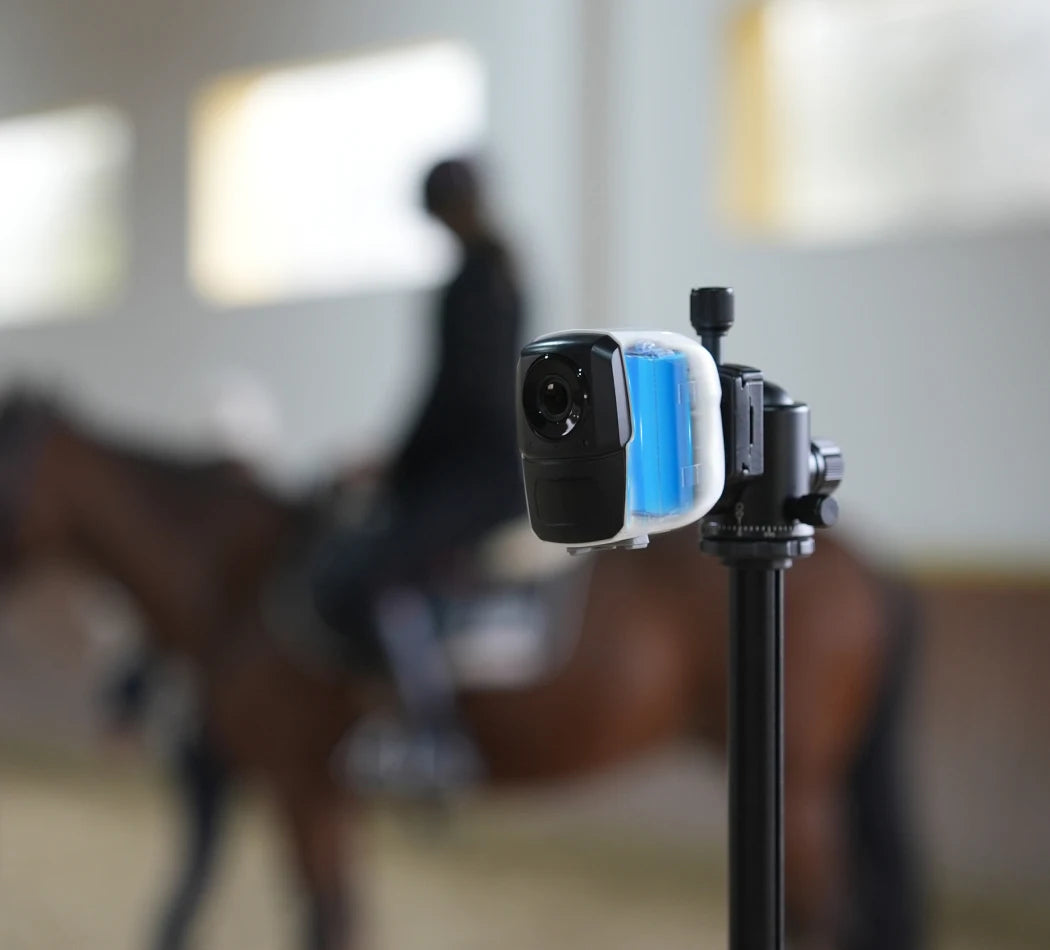
Une autonomie longue durée
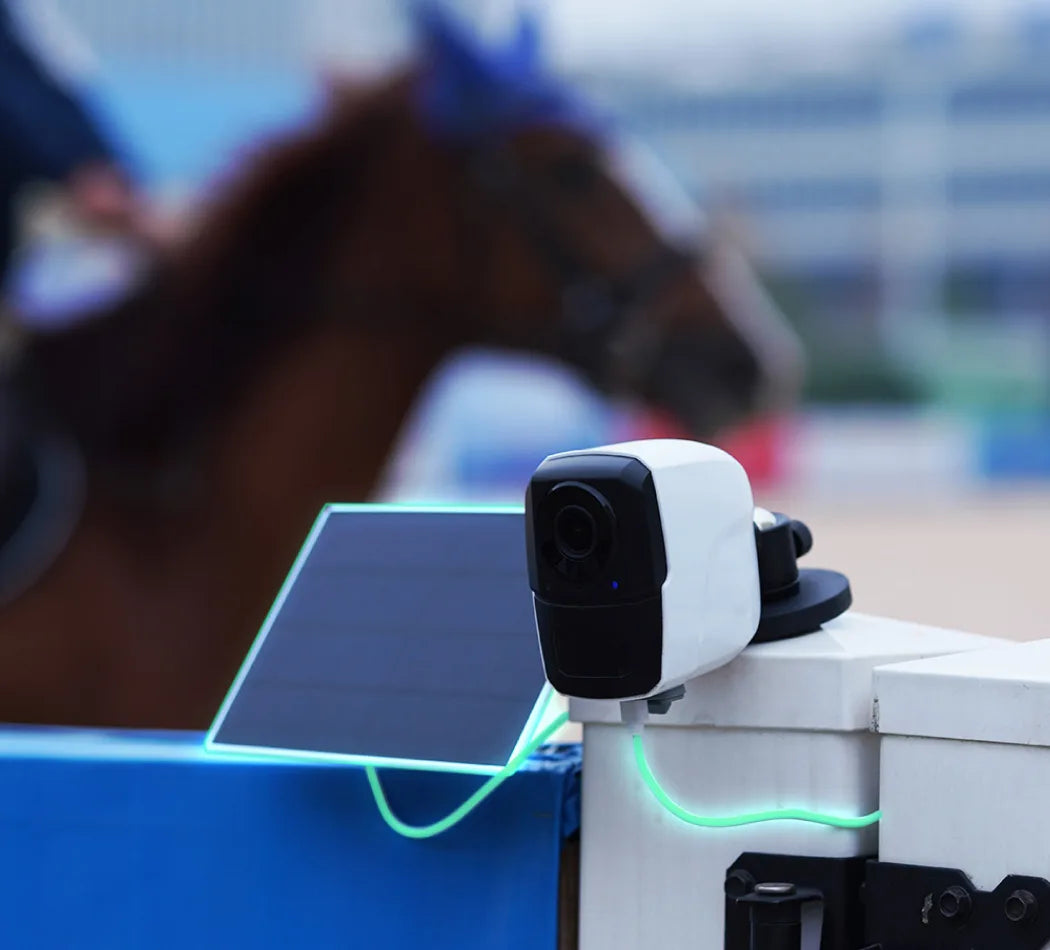
Efficacité de l'énergie solaire
Écoutez et parlez en temps réel
Une image nette, de jour comme de nuit
Efficient Compression, Superior Quality
Amouu camera uses cutting-edge H.265 compression technology, delivering superior video quality while using only half the bandwidth and storage of the older H.264 standard.

How do I connect my Sero 4G camera?
Step 1: Pre-Setup
- 1.Please insert a SIM card that can access the internet.
- 2. Turn on the camera.
- 3. Restore the camera to factory settings.
Step 2: Download and Register on the App
- 1. Search for “O-KAM Pro” in the App Store or Google Play, or scan the QR code provided in the manual.
- 2. Open the app and tap “Register now” to create your account by following the on-screen instructions.
Step 3: Add Your Camera to the App
Method 1: Add via QR Code
- 1. Tap “Add”, then scan the QR code on your camera, or select “Wireless Camera”. When prompted for Bluetooth permission, tap “I got it”.
- 2. Make sure the camera is turned on and reset to factory settings.
- 3.Scan the QR code on the camera and confirm thatthe blue light is always bright. then click "Next".
- 4. Wait for the camera to bind with the app.
- 5. Tap “Get started” to begin using the camera.
Device Sharing
- 1. Tap the icon in the top right corner and select “Share”.
- 2. A QR code will be generated for sharing.
- 3. Other users can open the O-KAM Pro app and scan the QR code to access the device.
How much mobile data does the camera use?
Data usage depends on how often you watch live video, whether you're using HD or SD quality, and if features like motion alerts or cloud recording are enabled.
- HD video: 1–2 MB per minute
- SD video: 0.5–1 MB per minute
To reduce data usage, lower the resolution or adjust motion alert sensitivity in the app.
Estimated usage based on real-life scenarios:
- Light monitoring (checking once or twice a day): ~1.5 GB/month
- Routine checks (3–6 times/day, e.g. monitoring a recovering horse or gate): ~4.5 GB/month
- Heavy use (continuous foaling watch): ~1 GB/day, up to 30 GB/month
Will Sero 4G work in my area?
Yes—as long as your location has 4G LTE coverage, Sero 4G can connect via a local data SIM card. It's compatible with major carriers in the U.S., Canada, UK, Europe, Australia, and New Zealand.
For other regions, confirm that your provider supports these network bands:
- Asia:
WCDMA: B1 / B5 / B8
FDD-LTE: B1 / B3 / B5 / B8
TDD-LTE: B34 / B38 / B39 / B40 / B41 - Europe:
WCDMA: B1 / B5 / B8
FDD-LTE: B1 / B3 / B7 / B8 / B20 / B28A - Americas:
WCDMA: B2 / B4 / B5
FDD-LTE: B2 / B4 / B5 / B7 / B12 / B13 / B17 / B66
TDD-LTE: B38 / B40 / B41
Before purchasing a data SIM, please confirm compatibility with your local network provider.
How do I reset the camera to factory settings?
The battery isn't lasting as long as expected
How do I record and store video?
I forgot my app password—what should I do?
How do I connect to the 4G network?
The image looks blurry—how can I improve it?
Have a Question
lf you have an issue or question that requires immediate assistance, please Contact us.
Contact UsI got this and hooked it up at my in-laws all the way in Honduras all it needed was wifi it was easy to connect and I can watch it live from USA on the app and even have a conversation with them through the camera it's so cool and I can move it around and see every part of the area


I use three cameras to watch the hay barn, calving stalls, and equipment sheds. The wide view covers all key areas without blind spots. They are reliable and great day/night view. They are kinda tricky to set up at first but once you get them connected to your WiFi they are simple. Only downside is when WiFi is out so are cameras. The solar camera is great it just takes care of itself!
I was a little skeptical at first because of the price. However this is a wonderful camera! I love how it turns with ease. The picture quality isn’t too bad. On the app it responds quickly to your command. For the price this is a great camera!

I can actually get the video to load and get pretty smooth playback vs my wyze cams which I can never get to load.


This camera is easy to setup and connect to app/ wifi.I really like that I can use a memory card for videos and don't have to pay for a monthly subscription.The night vision mode is super clear and haven't had any charging issues with the solar panel. Range is a bit lacking at about 40ft from router.I did have issues with it when attempting to mount it upside down, not sure if maybe the waterproof protector was not secured or what but it stopped working.After contacting customer service and trying to trouble shoot the issue with no luck "Mia" sent me out a replacement with no need to return the old one, I'm awaiting the replacement now.I also have another camera just different model and both of them are great buys!

I love the motion sensor. Ik exactly when my big kids get home from school! I can keep my packages safe! I just love being able to keep watch when we arent home!

This is the third camera I have installed from this seller and the quality is outstanding for the price. Easy to install and the app is very user friendly. I installed this third camera fairly far from the house and theit picks up the wifi great. I am a very happy customer.

The picture quality is excellent especially the night vision the pan and tilt function work very well. The app that controls everything has some issues that need fixed but the camera is really good. The solar charger panel works excellent it will charge even when it’s raining much slower of course. Overall a great security camera. I can’t say enough good about customer service and technical support especially Yilia.The pictures are infrared black/white and color at night the last photo is daytime.Update.These are great cameras and customer service is second to none but the app that controls these cameras has some problems. It’s not stated in the product description that the app is not compatible with some devices especially a Samsung tablet. If the app is updated it should fix this issue.


Can't pull a power to the parking lot, so got this solar pan cam to cover big area in a far away location. Need an eye on the dumpster. Camera was easy to set up. I added SD card for free storage, no cloud subscription. One thing I noticed, the software does not have an option for Stealth Mode to turn off LED spotlight at night or night vision off. I wrote to the company as a feature request. Also it would be nice to have presets for different cam positions instead of moving it manually each time, no home button.

First of all, I am an older person.. I have a hard time with techie things. I wanted an outdoor camera to keep an eye on my chicken coop. Without a very long extension cord, there is no power there, so solar was just about a requirement. That, and we have no cell service, so wifi was a requirement. It seemed like a simple idea. Oh.. and the coop is about 75 yards from the house, so I had to use a wifi extender. Well, I kinda lucked out with this camera. Wifi, solar, outdoor, check check check. One point, and it is important is that is uses 2.4 Ghz wifi.. As it happens, my wifi extender took care of that.The instructions want you to let the camera charge 10- - 13 hours, so I plugged it in (usb c) over night. Then I followed the instruction, got the app on my phone, and configured it. The camera talks to you.. I managed to connect it, and then played with it in my living room. I still can't believe the price on these devices.. maybe it is old tech, but I think it was a great deal.The next day I moved it out to the coop, reset it, and repeated the process.. by that time I had misplaced the instructions, but the app and the camera walked me through...The camera uses cloud storage or a micro sd card. You get a month for free,, I don't like to put things on a cloud, so I am going to buy a sd card..Once everything is up and running, the operation is very simple.. Using your cell, you can tilt and move around, zoom in zoom out, take pictures.. Pretty amazing. The solar panel was super simple to set up,, It actually attached to a mount I already had..You can do so much with the app, there are alarms, sensitivity, timing settings.. There is also a light, for night. All I can say is if I managed to get this going,, anyone can.. I am thrilled so far..After a full day of using this camera, I have to add one important point. Unless you are planning on a Cloud subscription, you have to have access to the camera for the TF card.. I can reach the camera from the ground.. If you have to drag out a ladder, well that would be an issue.Here is another point. I have already decided that I need to move it.. When I attached it to the chicken coop I just used zip ties, that way a couple of quick cuts and I can take it down. Until you try it for a day or so, make the installation temporary. That way you get a sense of the area the camera will surveil.

These cover my entire feedlot! Solar power means no dangerous wiring near combustible grain silos. Zoom function verifies tags on incoming cattle trucks.
I’m not “in love” with the app for this - but you get what you pay for. It has held up through an entire winter. It does what it says - you can see from all angles with this.
Easy installation, affordable, clear picture & sound, easy to use app. Couldn't ask for anything more. Highly reccomend!
Camera provides me the viewing outside security need for my house.
This is my 2nd one. The 1st one arrived early this day. I set it up in just a few minutes... after I set up my wifi extender to default to 2.4 GHz. I tested the camera to make sure that I could view it from anywhere and at anytime. It worked perfectly so I ordered another when I got back home. I drove into another state and connected to a public wifi system and in a few minutes I was able to view my camera and use all the functions with little effort.If I were in need of another security camera I will order this product again.BTW, the only review that I could find instead of here in Amazon was dissing this camera and everything that was written was false.It is not the best wireless camera out there, but it is the best camera at this price!If you need to have the camera to recognize people at a long distance, set the camera to the highest view setting in the APP settings. It took about 15 minutes for me to figure out the best settings for the camera to work efficiently in my location.If you are looking to save a few dollars and still get a quality product, then this one is for you!
much better than previous brands purchased
great product.. Great camera functionality.easy to setup
2K clarity counts sheep in open pastures. Waterproof housing survived being knocked over by rams. Color night mode distinguishes between staff and trespassers near equipment sheds. Solar panel angled for winter sun keeps it charged.
The app asks for too much personal information just to check basic functions. Frustrating for managing a private ranch. Ended up returning it.
Love the zoom, rotation and alerts on the camera. WiFi signal reaches to my pole barn .Wireless and battery charging via solar panel is great feature
Very easy to install and set up great quality for the money, clear view easy to manage in the app
Ease of installation. Bought for minor security at an open lot.
I purchased two different versions of these cameras from the same seller company for outdoor use mainly because of the solar option!! So far it has survived rain, storm, cold :) Charge is great, picture is crystal clear! It is now almost 2 months since installation, so we are pleased! Definitely recommend!
Installed a second camera at the cattle watering hole. The solar panel holds up better than expected in shaded spots. Simple setup and clear view of trough levels.
I was skeptical at first because it was so affordable…..but these work great. I’ve been using for about a month and have not had to charge. Super clear view and the light is bright. Also, this camera catches everything! Love it and I will be purchasing a second! Thank you!
